The first AI agent built for scientific figures
Leo helps researchers sketch, build, and edit better scientific figures without endless prompting.
Compare to other AI tools
Sketch, build, and edit with Leo
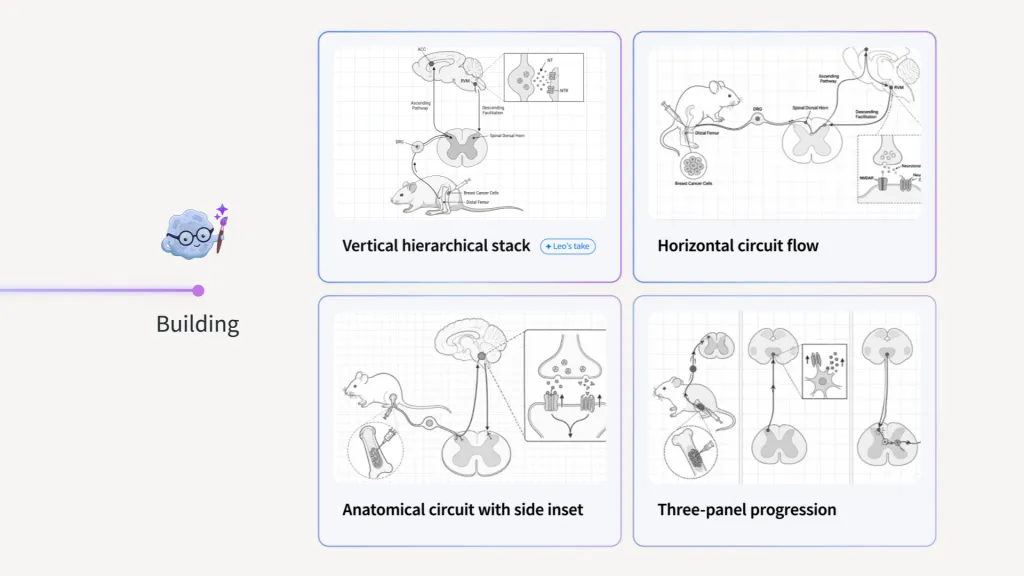
Effective figures start with a sketch
Leo asks focused questions about your key message, audience, components, and relationships. Work through the answers together. The result is a sketch based on your science.
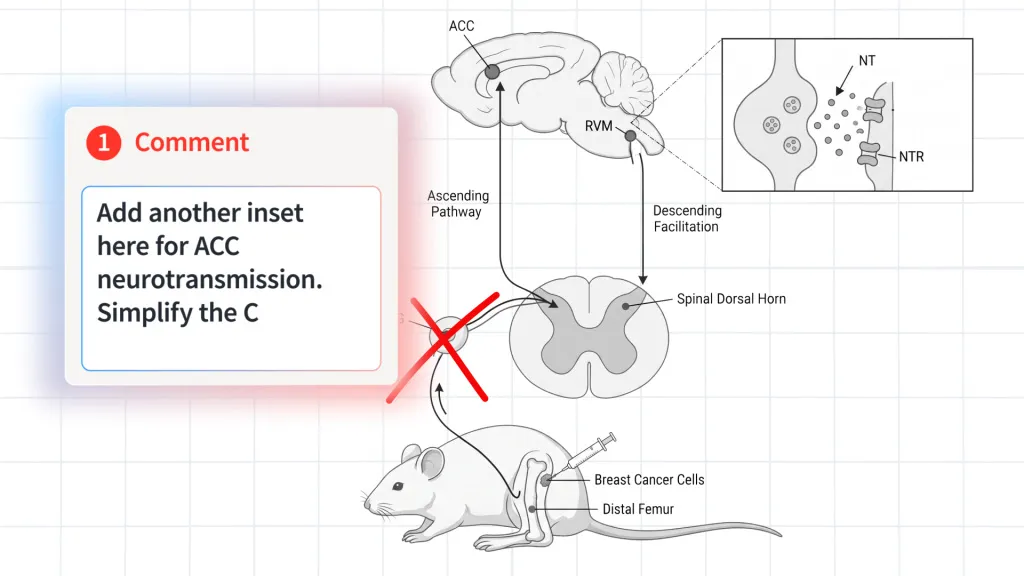
Refine into a complete figure with markup
Cross out a component, draw in a missing step, or circle the finding to emphasize. Leo turns your markup into a polished figure in a fraction of the time.
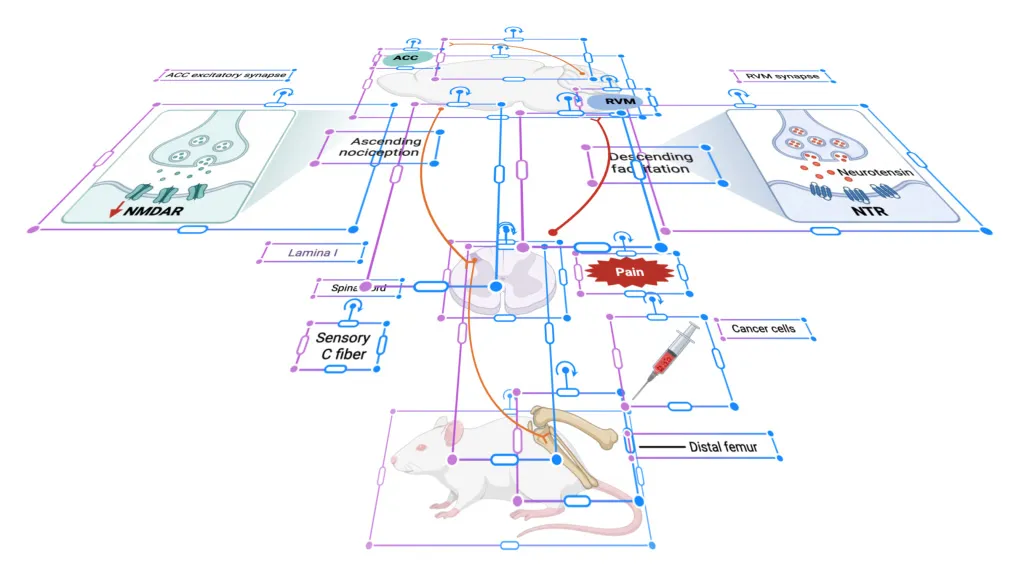
Edit every detail without starting over
Every label, arrow, icon, and shape stays editable on the BioRender canvas. Update a term, swap an icon, or ask Leo to revise one part. Everything else stays put.
Built on BioRender’s figure-building expertise
Leo is the beginning of a smarter scientific workflow, and it keeps getting better. Your feedback helps us improve, and we're excited to build what comes next with you.

Grounded in figure-making expertise, not generic AI
Generic image tools give you one flat picture and a prompt box. Leo draws on BioRender's figure-making expertise to give you a sketch, a polished figure, and elements you can change one at a time.
Leo
by BioRender
Generic AI
Generate a figure from a prompt
Plan your message, audience, and structure in conversation

Mark up a sketch before the full figure is built
Get a consistent, aligned layout
Edit any label, arrow, or icon without regenerating
Lives in your BioRender workspace
My figures go into pitch decks for venture capital firms. The biology has to be simple enough to get quickly, and accurate enough that they know what they're looking at. Leo has been the best tool for me and got me 95% of the way there on its own.

Sarah Levinson
Co-Founder and VP Research
PIPr Therapeutics

Frequently asked questions
How is Leo by BioRender different from ChatGPT, Gemini, or other AI image generation tools?
Generic AI image tools turn a prompt into one flat picture, so any change means starting over. Leo works with you in a conversation, helping you plan your message, audience, and structure before it draws anything, then shows you a sketch to mark up. From there it builds a polished, consistently aligned figure in BioRender, where every label, arrow, and icon is a separate object you can edit without regenerating.
What's the best way to get started?
Start by describing what your figure needs to show, in your own words. You can also upload a reference image. Aim for the middle ground: give Leo enough context to work from, but leave the details open. If your prompt is too short, Leo will fill in the gaps with assumptions. If it's too long or highly detailed, it can skip the questions that make your figure better. Leo will guide you through the rest. For additional help on getting started, visit our Help Center.
Can I edit the figure Leo makes?
Yes. The finished figure opens on the BioRender canvas. You can change any label, swap an icon, or move an arrow yourself, or ask Leo to change one part for you.
Is the figure scientifically accurate?
Leo gives you a strong starting point, but it doesn't guarantee your science is accurate. You know your science best, so review the figure before you use it. Because every element is editable, you can fix anything that's off without regenerating.
Does Leo use my data to train AI?
No. Your prompts, conversations, uploads, and figures aren't used to train BioRender's AI models or our AI providers' models without your consent. Learn more in our Trust Center.
Ready to try Leo?
Create complex scientific figures with a guided approach, built by professional scientific illustrators.